Which TFT LCD Display Module Is Right for Your Project
- 1. Key Takeaways
- 2. What Is a TFT LCD Display Module
- 3. Top Brands and High-Performance TFT LCD Display Modules
- 4. Choosing the Right TFT LCD Display Module for Your Project
- 5. Application Examples for TFT LCD Display Modules
- 6. Practical Tips for TFT LCD Display Module Selection
- 7. FAQ
- 7.1. What is the best way to connect a TFT LCD display module to an arduino?
- 7.2. Which library should you use for TFT LCD modules?
- 7.3. How do you troubleshoot display issues with a new library?
- 7.4. Can you use multiple libraries for advanced display features?
- 7.5. Where can you find reliable library resources for arduino display projects?
You want the best tft lcd display module for your project, but the right choice depends on your application, specs, and budget. Imagine needing a tft lcd touchscreen display for a device that must handle frequent touch and deliver clear visuals in bright sunlight. To make an informed decision, consider these key factors:
-
Size and resolution impact the visual quality and outline of your tft display.
-
Brightness and viewing angle matter for readability and user experience.
-
Contrast ratio, touchscreen capability, and temperature range ensure reliable lcd performance.
-
Interface compatibility and durability help the tft lcd touchscreen withstand demanding environments.
Evaluate these features to match your display to your unique requirements.
Key Takeaways
-
Consider size and resolution when choosing a TFT LCD display. Higher resolutions enhance clarity for complex data.
-
Evaluate brightness and viewing angles for better readability, especially in outdoor or bright environments.
-
Check compatibility with your microcontroller, like ESP32, to ensure seamless integration and functionality.
-
Review power consumption specifications to extend battery life in portable devices, especially for mobile applications.
-
Select a display with strong technical support and clear documentation to simplify integration and troubleshooting.
What Is a TFT LCD Display Module
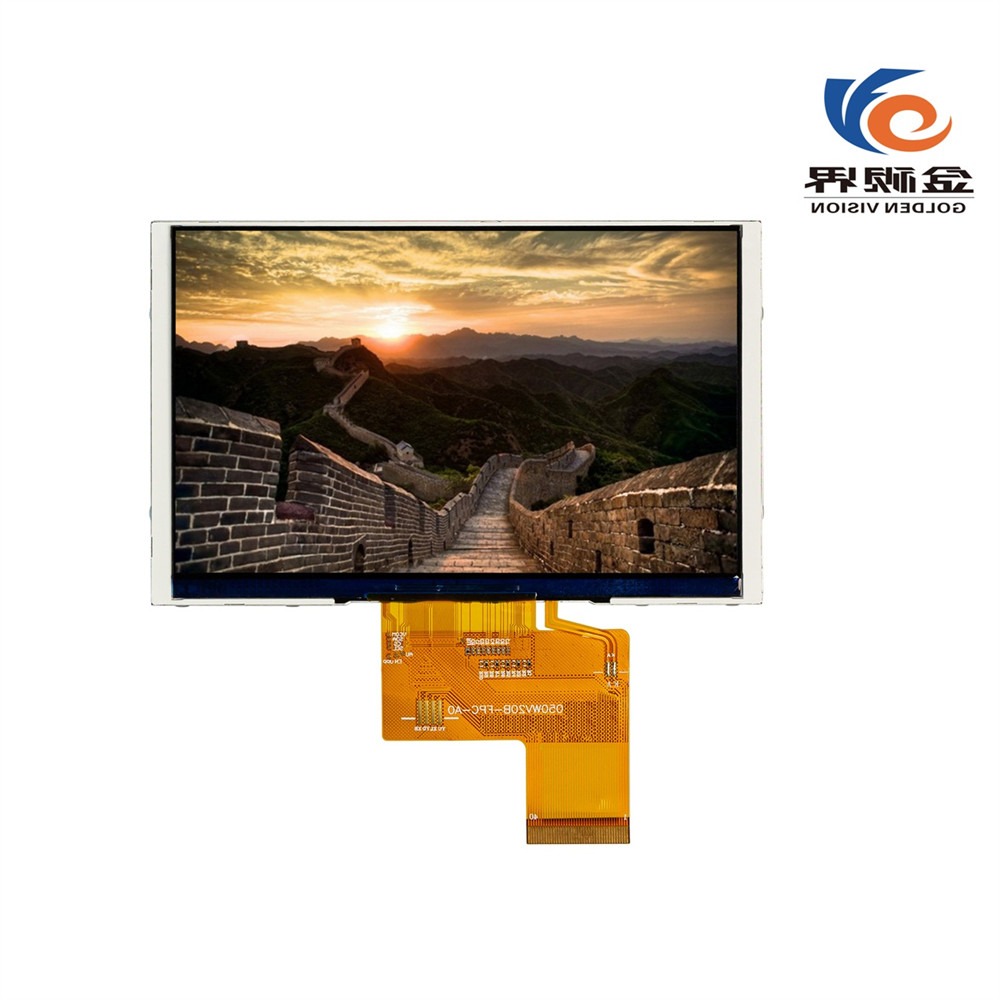
How TFT Technology Works
You encounter TFT LCD display modules in many modern devices. TFT stands for Thin-Film Transistor, a technology that gives you precise control over each pixel on the screen. In a TFT LCD, every subpixel connects to its own transistor. This setup allows you to enjoy sharp images and responsive touch interactions. Manufacturers design these modules in compact sizes, making them suitable for everything from smartwatches to industrial control panels.
The defining characteristics of TFT LCD display modules set them apart from other display types. You can review the table below to understand what makes them unique:
|
Characteristic |
Description |
|---|---|
|
Pixel-level control |
Each subpixel is driven by its own transistor, enabling sharp and responsive image rendering. |
|
Compact form factors |
Available in a wide range of sizes and resolutions, suitable for various applications. |
|
Fast response times |
Ideal for real-time monitoring and user interaction with minimal lag. |
|
Power efficiency |
Especially when combined with LED backlighting and optimized drivers. |
|
Long-term availability |
Essential for embedded and industrial systems requiring consistent sourcing and extended lifecycles. |
You benefit from tft lcd technology because it delivers high image clarity and fast response times. You see vibrant colors and crisp text, even when viewing the screen from an angle. The energy efficiency of these modules helps extend battery life in portable devices. Their solid-state construction ensures durability and reliability.
Tip: When you select a TFT LCD module, you gain access to advanced features like wide viewing angles and minimal motion blur. These advantages make them ideal for interactive displays and real-time applications.
Main Uses in Electronics Projects
You find TFT LCD display modules in a variety of electronics projects. Their versatility and performance make them a top choice for consumer devices and embedded systems. Common applications include:
-
Smartphones
-
Tablets
-
Laptops
You also see these modules in industrial equipment, medical devices, and automotive dashboards. Their compact and lightweight design allows you to integrate them into wearable technology and portable measurement tools. You can rely on TFT LCD modules for projects that demand clear visuals, responsive touch, and long-term reliability.
Top Brands and High-Performance TFT LCD Display Modules
When you select a display module for your project, you want to know which brands lead the market and what sets them apart. The global market features several major players, including LG Display, Sharp Corporation, Japan Display Inc, Citron, Tianma Microelectronics, BOE Technology Group, Samsung Display, and Innolux Corporation. For 2025, you see a strong focus on 4K resolution, high refresh rates, and advanced customization.
AUO and Innolux Overview
You find AUO and Innolux at the forefront of high-quality tft lcd displays. These brands deliver advanced features that support demanding applications in gaming, medical, and industrial sectors. AUO stands out with impressive brightness, fast response times, and wide color gamuts. Innolux excels in sunlight-readable panels and medical-grade color accuracy. The table below highlights their unique strengths:
|
Feature |
AUO |
Innolux |
|---|---|---|
|
Brightness |
600 nits (32-inch 4K Mini-LED panel) |
1500 nits (15.6-inch sunlight-readable) |
|
Color Accuracy |
98% DCI-P3 color gamut (27-inch 2K) |
DICOM Part14 standard (21.3-inch) |
|
Response Time |
1ms (27-inch 2K 240Hz) |
N/A |
|
Application |
Gaming, pro monitors |
Medical, industrial control |
|
Lifespan |
50,000 hours (public display) |
N/A |
You benefit from these features when you need reliable performance, vibrant visuals, and long-term durability.
Golden Vision Overview
Golden Vision offers you flexibility and robust design for industrial and medical projects. You can choose from capacitive or resistive touch panels, adjust backlight brightness, and rely on strengthened cover glass. Golden Vision modules focus on durability and longevity, making them ideal for harsh environments and specialized applications. The table below summarizes their strengths:
|
Feature |
Description |
|---|---|
|
Advanced Technology |
Strengthened cover glass, flexible printed circuits |
|
Customization Options |
Capacitive/resistive touch, adjustable backlight |
|
Focus on Durability |
Designed for reliability in industrial and medical settings |
You gain an advantage with Golden Vision if you require custom solutions and competitive pricing for emerging sectors like 3D printing and EV charging.
ST7789 for Embedded Systems
If you work on simple or cost-sensitive embedded projects, the ST7789 module remains a top choice. You enjoy native support for square aspect ratios, fast refresh rates, and IPS panels for better color and viewing angles. Open-source library support makes integration quick and easy. Here are the main benefits:
-
High resolution with modern aspect ratios (e.g., 240x240)
-
Smooth animations and responsiveness
-
Superior color reproduction with IPS panels
-
Extensive open-source library support
Tip: Choose ST7789 modules when you need reliable, easy-to-integrate displays for microcontroller-based systems.
Summary Table: Key Specs and Application Recommendations
|
Brand/Module |
Best For |
Key Strengths |
|---|---|---|
|
AUO |
Gaming, pro monitors |
High brightness, fast response |
|
Innolux |
Medical, industrial control |
Sunlight readability, color accuracy |
|
Golden Vision |
Industrial, medical, custom use |
Durability, customization |
|
ST7789 |
Embedded, DIY, cost-sensitive |
Easy integration, IPS, open-source |
You can match these options to your project’s needs and ensure you select the right display for high performance and reliability.
Choosing the Right TFT LCD Display Module for Your Project
Selecting the right tft lcd display module for your project requires you to match technical specifications with your application’s needs. You must consider size, interface, power, compatibility, and touchscreen features. Each factor impacts the performance, user experience, and long-term durability of your setup. Below, you will find practical guidance for making the best choice for mobile, automotive, industrial, gaming, medical, and iot and embedded projects.
Size and Resolution (Including 4.3 Inch TFT LCD Touch Screens)
You should start by evaluating the size and resolution of your tft display. The 4.3 inch tft lcd touch screens have become a popular choice for many applications due to their balance of compactness and usability. When you select a display, consider the following:
-
Assess the available space in your device. The 4.3 inch tft lcd touch screens fit well in handheld devices, automotive dashboards, and industrial panels.
-
Higher resolutions provide more usable space for user interfaces. If your project displays complex data or graphics, a higher resolution tft lcd touchscreen display will enhance clarity.
-
For battery-powered devices, choose a module with lower power consumption. The 4.3 inch tft lcd touch screens often offer efficient operation, making them ideal for portable setups.
-
Environmental factors matter. High temperatures can cause pixel failure and visual artifacts, while low temperatures may lead to sluggish response times or ghosting. Humidity can introduce condensation, damaging the lcd module, especially in outdoor or industrial environments.
-
Cost and usability must align with your project’s budget and user expectations.
Tip: The 4.3 inch tft lcd touch screens deliver an excellent balance of display quality, power efficiency, and versatile integration for many iot and embedded projects.
Interface Types (RGB, MIPI, LVDS)
The interface type determines how your tft lcd touchscreen communicates with your controller or esp32 board. You will encounter several common interfaces:
|
Interface Type |
Impact on Performance |
Power Consumption |
Complexity |
|---|---|---|---|
|
RGB |
High bandwidth |
Higher |
Moderate |
|
MIPI |
Optimized for mobile |
Lower |
High |
|
LVDS |
Moderate bandwidth |
Moderate |
Low |
-
The interface you choose affects performance, power consumption, and design complexity.
-
MIPI DSI interfaces are optimized for mobile devices and offer lower power consumption, making them suitable for battery-operated projects.
-
RGB interfaces provide high bandwidth but may increase power draw and require more complex wiring the tft lcd.
-
LVDS offers a good compromise for industrial and automotive applications, balancing bandwidth and simplicity.
-
Always consider your application’s requirements, available space, cost, and future scalability when selecting an interface.
Power and Efficiency
Power consumption plays a critical role in portable and battery-powered devices. You must review the specifications for each tft lcd display module to ensure efficient operation. For example:
|
Display Module |
Power Consumption |
Operating Voltage |
|---|---|---|
|
RGB 65K Color EK9716 |
500 mA |
5V |
|
2.4-inch TFT Colour Display |
10 mA (3.3V) |
3.3V |
-
The 4.3 inch tft lcd touch screens typically operate at low voltages and offer efficient power usage, which extends battery life in portable setups.
-
Consider the impact of backlighting on total power draw. Modules without backlight consume less power but may not provide sufficient brightness for all environments.
-
For automotive or industrial projects, ensure the power supply can handle the display’s peak current requirements.
Compatibility With ESP32 and Other Boards
You need to ensure your tft lcd touchscreen display works seamlessly with your esp32 board or other microcontrollers. Compatibility affects both hardware connections and software support. Here are some examples:
|
Feature |
Details |
|---|---|
|
Brand |
ESP32-8048S070N |
|
Screen Size |
7 inches |
|
Color |
RGB 65K |
|
Operating Voltage |
5V |
|
Compatibility |
Compatible with Arduino and other microcontrollers |
|
Technical Support |
24/7 support, online resources, customization services |
|
Feature |
Details |
|---|---|
|
Brand |
GUITION |
|
Model |
JC8048W550C_I |
|
Display Size |
5.0 inches |
|
Resolution |
800*480 |
|
Main Control |
ESP32-S3R8 |
|
Flash Size |
16MB |
|
Compatibility |
Supports Arduino IDE, ESP IDE, Micropython |
-
The 4.3 inch tft lcd touch screens often provide broad compatibility with esp32 board setups, making them a reliable choice for rapid prototyping and development.
-
Look for modules with strong technical support and comprehensive online resources. These features simplify integration and troubleshooting.
-
Always check datasheets for pinout, voltage, and communication protocol details before wiring the tft lcd to your esp32.
Touchscreen Features (TFT LCD Touchscreen Display)
Touchscreen technology transforms user interaction with your tft lcd touchscreen display. You will find two main types: capacitive and resistive.
-
Capacitive touchscreens dominate modern smartphones and tablets. They offer a smooth, responsive experience and support multi-touch gestures.
-
Manufacturers now produce thinner screens, improving user interaction and device aesthetics.
-
Resistive touchscreens remain popular in industrial, automotive, and medical applications. They work with both touch and stylus, provide durability and reliability, and resist water and dust.
-
The 4.3 inch tft lcd touch screens are available in both capacitive and resistive variants, allowing you to match the technology to your project’s environment and user needs.
-
You will see tft lcd touchscreen displays in handheld gaming devices, e-readers, GPS navigators, automotive infotainment systems, and educational tools.
Note: Always review the datasheet for your chosen tft lcd touchscreen to confirm supported touch features, controller compatibility, and environmental ratings.
When you select a tft lcd display module, always consult the datasheet and available support resources. These documents provide critical information about wiring the tft lcd, operating conditions, and integration with your esp32 board. By carefully matching size, interface, power, compatibility, and touchscreen features to your project, you ensure optimal display quality, durability, and reliability for any application.
Application Examples for TFT LCD Display Modules
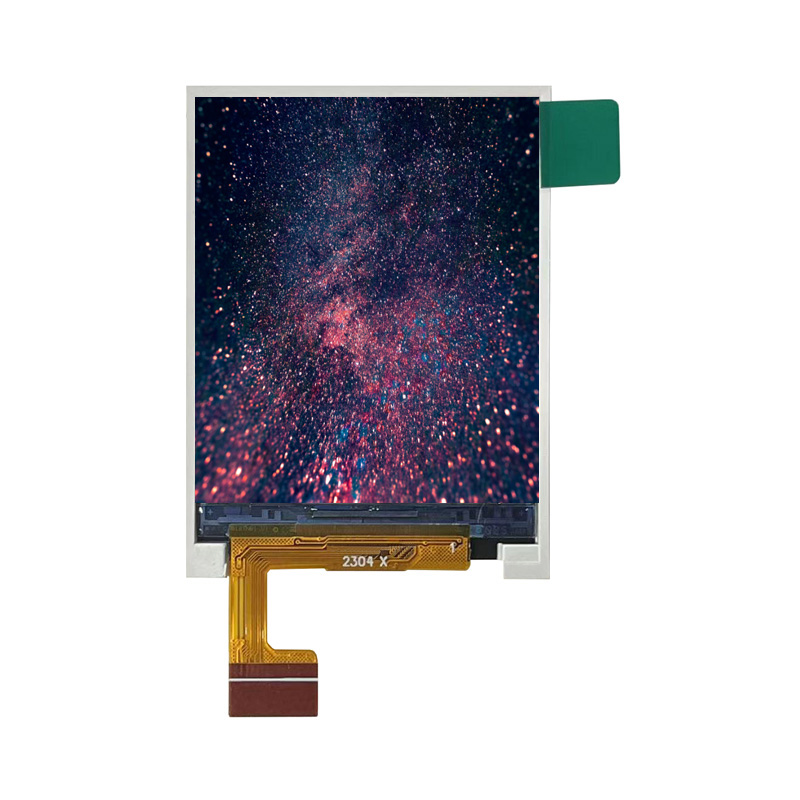
Mobile and Wearable Projects
You can use a tft lcd display module in mobile and wearable applications for vibrant visuals and responsive touch. The 4.3 inch tft lcd touch screens fit smartwatches, fitness trackers, and handheld medical devices. You benefit from low power consumption and high brightness, which improve outdoor readability. Many developers choose arduino and esp32 for rapid prototyping. The 2.8 inch ili9341 also works well in compact wearables. You can add a tft lcd touchscreen display to your setup for interactive menus and notifications. Touchscreen features let you swipe, tap, and scroll with ease.
Automotive and Industrial Projects
You see tft lcd display modules in advanced automotive and industrial applications. The 4.3 inch tft lcd touch screens provide clear, customizable interfaces for dashboards and control panels. You can review the table below to understand how tft lcd modules enhance these systems:
|
Application Area |
Functionality Description |
|---|---|
|
Automotive Digital Instrument Clusters |
Replaces analog gauges with customizable, dynamic interfaces. |
|
Infotainment Systems |
Integrates navigation, media, climate control, and smartphone connectivity. |
|
Heads-Up Displays (HUDs) |
Projects critical information onto the windshield, enhancing safety. |
|
Advanced Driver-Assistance Systems (ADAS) |
Provides real-time visual feedback to assist drivers. |
|
Industrial Automation Systems |
Used in PLCs and SCADA interfaces for real-time process monitoring. |
|
Medical Devices |
Essential for ultrasound machines and patient monitors requiring long-term stability. |
|
Agricultural and Construction Machinery |
Integrated for operator control and diagnostics in rugged environments. |
|
Durability Features |
Includes optical bonding, anti-reflective coatings, and wide operating temperature ranges (-30°C to +85°C). |
You can rely on arduino and tft lcd touchscreen modules for robust performance in harsh environments.
Gaming, DIY Consoles, and Measurement Devices
You can build gaming consoles, DIY projects, and measurement tools with tft lcd modules. The 2.8 inch ili9341 and 4.3 inch tft lcd touch screens support arduino and esp32, making integration simple. You gain these advantages:
-
High resolution for sharp graphics and detailed images.
-
Fast response time for smooth gameplay and real-time data.
-
Energy efficiency for portable devices.
-
Versatility for many applications, from arduino-based consoles to industrial meters.
-
Long lifespan and touchscreen capability for interactive experiences.
You can use a tft lcd touchscreen for custom controls and data input.
Budget-Friendly Project Options
You can choose the 2.8 inch ili9341 or 4.3 inch tft lcd touch screens for cost-effective arduino projects. These modules offer reliable lcd performance and easy touchscreen integration. You can create smart home panels, educational kits, or simple measurement devices. The tft display and lcd touchscreen features help you deliver professional results without exceeding your budget.
Practical Tips for TFT LCD Display Module Selection
Reading Datasheets and Specs
You need to review datasheets and technical specs before you choose a tft lcd display module for your project. Datasheets give you essential details about the tft lcd touchscreen display, such as voltage, pinout, and recommended operating conditions. You should always check if the 4.3 inch tft lcd touch screens meet your requirements for brightness, contrast, and temperature range. Many developers overlook the importance of environmental factors. If you ignore sunlight readability or temperature limits, your tft lcd touchscreen may fail in real-world use.
You must also verify EMC and EMI data. Insufficient information can lead to interference issues in your setup. Always select industrial-grade touch controllers for demanding environments. Consumer-grade options may not withstand harsh conditions. Poor documentation can delay your arduino project, especially if you rely on an arduino ide library for integration. You should look for modules with clear wiring diagrams and sample code for arduino. Reliable datasheets help you connect your tft lcd touchscreen to your esp32 or arduino board without confusion.
Tip: Use the arduino ide library examples to test your tft lcd touchscreen display before finalizing your design. This step helps you catch compatibility issues early.
Evaluating Support and Cost
You want strong technical support and cost-effective solutions for your tft lcd touchscreen setup. Choose suppliers who offer responsive help, detailed arduino ide library documentation, and active community forums. If you use 4.3 inch tft lcd touch screens, you will find many arduino ide library resources and troubleshooting guides. These resources save you time during development.
You should compare prices, but do not sacrifice quality for cost. Industrial projects need reliable tft lcd touchscreen displays with robust touch and lcd performance. Look for suppliers who provide long-term availability and updates for their arduino ide library. If you plan to use your tft lcd touchscreen display with arduino or esp32, make sure the arduino ide library supports your hardware. You can avoid delays by choosing modules with strong documentation and active arduino ide library support.
Note: The best tft display for your project balances price, support, and ease of integration with your arduino ide library.
You need to select the right tft lcd touchscreen for your project by matching features to your requirements. Review the table below to compare the main factors:
|
Factor |
Description |
|---|---|
|
Display size and resolution |
Fit your mechanical design and match your visual interface. |
|
Viewing angle technology |
IPS improves visibility in multi-angle environments. |
|
Brightness and contrast |
Essential for outdoor or industrial readability. |
|
Touch interface |
Choose PCAP or resistive touchscreen based on glove use, precision, or exposure. |
|
Operating temperature range |
Ensure stability and safety in harsh conditions. |
|
Longevity and availability |
Critical for embedded systems needing long-term support. |
You should follow these steps to finalize your tft lcd touchscreen selection:
-
Match each tft lcd touchscreen specification to your project needs, including resolution and environmental factors.
-
Test and validate tft lcd touchscreen modules by requesting samples and checking performance in your environment.
-
Review arduino ide library documentation and supplier support to confirm you have the resources for integration.
You gain confidence by consulting peers and making a shortlist of tft lcd touchscreen options. Always check datasheets, compatibility with arduino, and arduino ide library support. The best tft lcd touchscreen display balances touch performance, arduino integration, and reliable arduino ide library resources.
FAQ
What is the best way to connect a TFT LCD display module to an arduino?
You can connect a TFT LCD display module to an arduino using a compatible shield or breakout board. Always check the datasheet and wiring diagram. Use a recommended library to simplify the process and ensure stable communication between your arduino and the display.
Which library should you use for TFT LCD modules?
You should select a library that matches your display controller. For example, the Adafruit GFX library supports many modules. Always review the documentation to confirm compatibility. A reliable library will provide sample code and make integration with your arduino much easier.
How do you troubleshoot display issues with a new library?
Start by checking your wiring and power supply. Make sure you installed the correct library version. Review the library’s documentation for common issues. Test with example sketches from the library. If problems persist, seek help from the library’s support forum or community.
Can you use multiple libraries for advanced display features?
Yes, you can combine more than one library to unlock advanced features. For example, use a graphics library with a touchscreen library for interactive projects. Always verify that the libraries work together and do not cause conflicts on your arduino.
Where can you find reliable library resources for arduino display projects?
You can find trusted library resources on GitHub, the official arduino website, and manufacturer support pages. Look for libraries with active maintenance, clear documentation, and community support. These resources help you build stable and feature-rich display projects.
